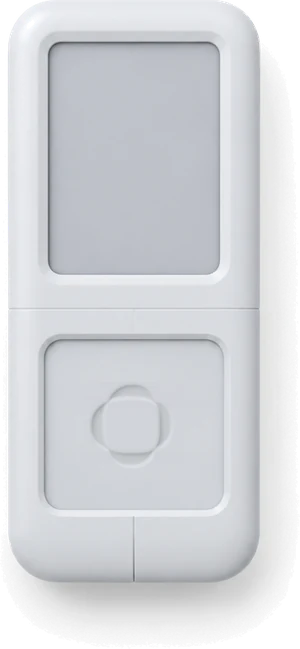
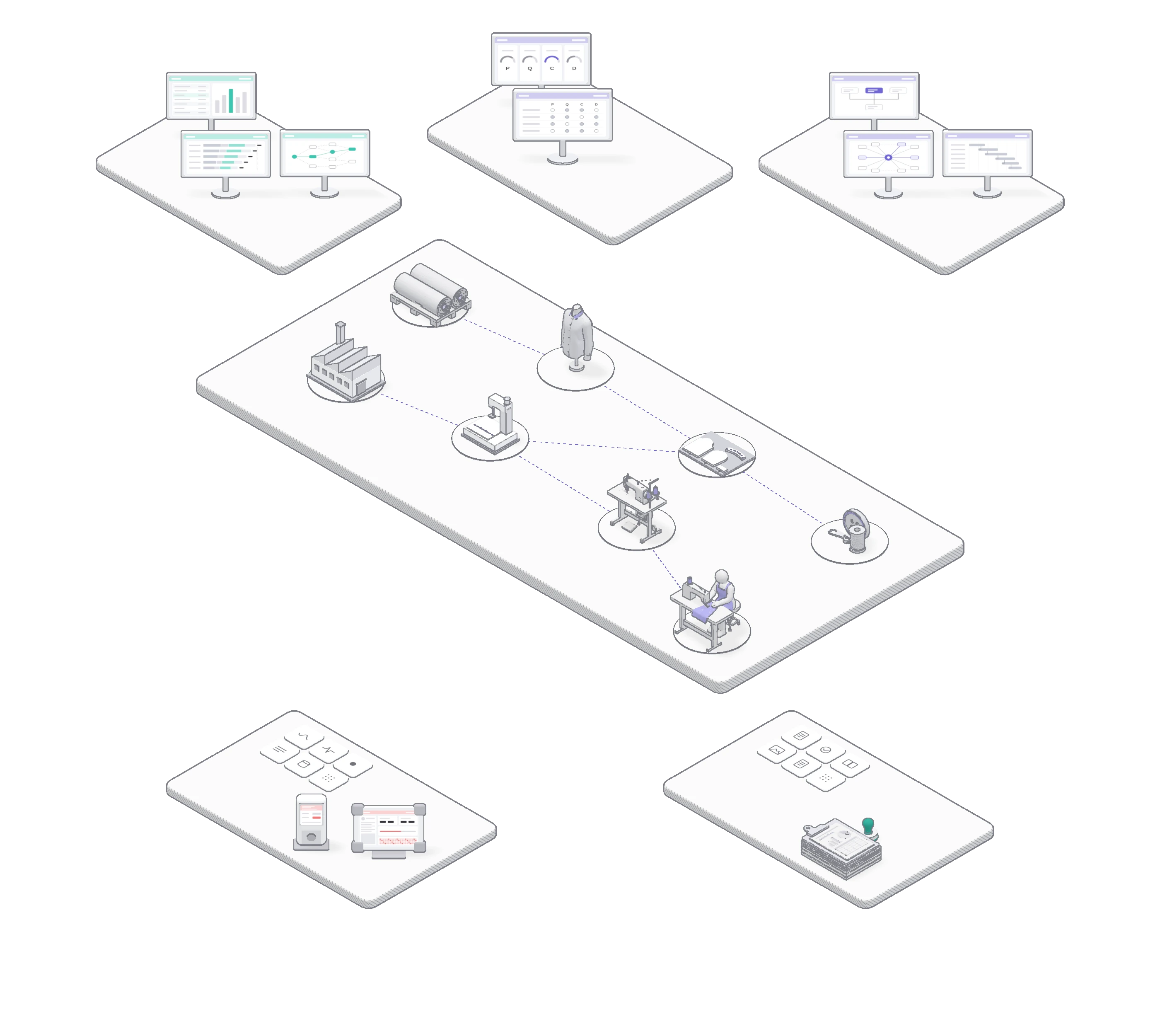
Monolis: covers the full OEM process, from order intake to finished-goods shipment. Monolog: brings the smart factory to sewing production. Mono:parts: automates trim sourcing and ordering.
Information Handoffs Between Organizations on an OEM Order
One order passes through 7 stages from sample to shipment, and 8 organizations across buyer, vendor and factory share 29 tasks. Along the way, documents such as the P/O, cost sheet and work order change hands 48 times, and 19 confirmation requests wait for a reply. The diagram below starts with the span each of the three products covers. As you scroll, it changes to the current handoff structure, then to the structure after SIJE ON. With SIJE ON, the same tasks are written to a single order record, and each organization reads that record.One order passes through 7 stages from sample to shipment. 8 organizations share 29 tasks, documents change hands 48 times, and 19 confirmation requests arise. With SIJE ON, the same tasks are written to a single order record.
SOLUTION
Main RecordHandoffs↻ Back-CheckHolds Main RecordInvolved Task
MonolisMonologMono:partsStandards DownData Up
Handoffs 48Back-Checks 19
Main RecordAuto RecordManual RecordOff-System
Rotate your phone to landscape to read the diagram.
SOLUTION
Main RecordHandoffs↻ Back-CheckHolds Main RecordInvolved Task
P2 // FUNCTIONS
Seven Stages, Three Products
Stage Features
The screens each product provides at each stage above.
The 8 features below take over work people used to copy, look up and calculate by hand. Document entry and work order consolidation remove typing. Pre-booking, line balancing and delivery forecast automate the calculation. Skill score, floor signal and hand motion timing show production floor status as measured values.8 features that take over what people used to copy, look up and calculate.
Order Docs Auto Entry
Upload the buyer P/O, TechPack and BOM to fill in order info, assortment and material list at once. Only unmapped items stay for review.Upload the buyer P/O, TechPack and BOM, and order info, assortment and material list are filled in at once.
Unified Standard Work Orders
Monolis gathers work instructions scattered across sheets, phone, messenger and email into one company-standard work order.Work instructions scattered across phone, messenger and email are rebuilt as a company-standard work order.
Pre-Book & Schedule
Lines are reserved with forecast quantity before confirmation, then become the firm assignment. End dates skip factory holidays.Lines are reserved with forecast quantity before order confirmation, then become the firm assignment.
Line Balancing Simulator
Operation times overlaid on the Takt Time line show the bottleneck and the gain from moving operators. Auto Layout recommends seating.Measured operation times are overlaid on the Takt Time line to find the bottleneck and show the effect of moving operators.
Delivery Forecast
Work days left are recalculated daily from QC-pass totals and the learning curve. Lines are flagged and sorted by risk.Work days left are recalculated daily from QC-pass totals and the learning curve.
Operator Skill Score
Speed and consistency are scored per operator and graded S to D each quarter. Profiles guide line placement and training.Speed and consistency scores are calculated per operator and graded S to D each quarter.
Floor Signal, Dynamic Pace
The andon by the sewing machine shows today's target rate in color and a 10-step gauge, with the target recalculated daily.The andon by the sewing machine shows today's target rate in color and a 10-step gauge.
Hand Motion Timing
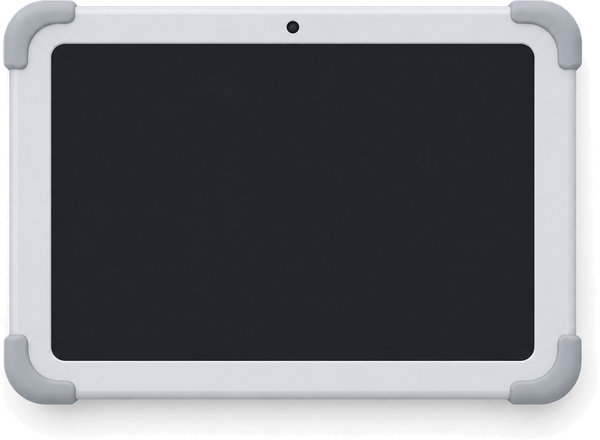
A tablet camera reads the operator's hand motion to measure AMV per operation. Pedal signals add machine action. Raw video is not stored.A tablet camera reads the operator's hand motion and measures actual time per operation (AMV).
3-B. 6 Stages to a Knowledge Asset
A Knowledge Asset in 6 Stages, from Edge Data to Supply Chain Integration
Records that Monolog measures in the factory pass through the sewing-specific data dictionary, which defines the style, part and equipment each time belongs to. A statistical algorithm filters outliers and fixes master data for each operation. Monolis uses this master data to design pre-costing based on operation breakdown, and buyer, vendor, factory and trim vendor align production, quality, cost and delivery on it as the common standard.Monolog measurements pass through the sewing data dictionary and statistical filtering to become master data per operation. Monolis designs operation-breakdown pre-costing on it.
STAGE
Description
Owner
STAGE 01COLLECT
Capture Source DataSewing and pedal signals from the sewing machine split each cycle into sewing time (VA) and handling time (NVA).
Monolog
STAGE 02DEFINE
Give Data MeaningMixed operation and equipment names map to 47,359 standard operations and controlled equipment terms.
Sewing Data Dictionary
STAGE 03STANDARDIZE
Build Single Master DataConfirmed standard time, Loss rate and efficiency are tied to master data as one SSOT for all organizations.Standard time, Loss rate and efficiency confirmed by measurement are tied to style, BOM and equipment master data and built into an SSOT.
Statistics · Confirm
STAGE 04STANDARD
Pre-Costing DesignConfirmed master data sets operation-breakdown pre-costing in one reference table.
Monolis
STAGE 05COLLABORATE
PQCD CollaborationProduction, quality, cost and delivery are aligned on the same reference table.
Buyer · Vendor · Factory · Trim Vendor
STAGE 06INTEGRATE
Full Supply Chain IntegrationData from every order, entity and season connects in the same way.
MonolisMono:parts
CALIBRATE
Calibration loop (CALIBRATE): each time an order ends, standards are re-estimated from actuals, and the old standard is logged and replaced.
SIJE Knowledge Asset → Powered by the Dictionary
P4 // DEPLOYMENT
Keep Your Standards
Rollout
A phased rollout that keeps your current standards in place.
Site-Specific 3-Phase Rollout from Diagnosis & Design
Scope and deliverables per phase are documented before contract.
PHASE 1
Diagnosis · Design
We map the data flow and find the broken links, then fix the scope and deliverables.
PHASE 2
Build · Go-Live
Existing data is migrated to the standard format, and one line or one entity goes live first.
PHASE 3
Operate
We confirm it runs even when staff change, then extend to other lines and entities.
4-B. Domain Optimization
Domain Optimization: System Applied After Workflow Cleanup
The IO (Integration & Optimization) team runs the rollout. People who have worked in both vendor sourcing and factory production go on site and organize the workflow before fitting the system. The blueprint is drawn in the objects and relations of the production floor, such as fabric rolls, cut bundles, lines and operators, not in IT terms, so the result is a standard work environment specific to each site.The IO (Integration & Optimization) team, experienced in both vendor sourcing and factory production, runs the rollout and organizes the workflow before fitting the system.